Affiliate links: Type & Paper may earn a commission if you buy through these Creative Fabrica links. Product previews are credited to their designers.

The New Year shortlist
Set the mood.
Keep the details clear.
A New Year invitation has two jobs: make the evening sound worth coming to, and tell people exactly when and where it starts. The headline can be exuberant; the address should be effortless to read.
Choose the mood before choosing a font. These five options range from slanted handwritten lettering to a formal serif and a full retro statement. The designers’ original previews let you compare the actual lettering before opening a product listing.
Find your party styleChoose by your project
What kind of night are you planning?
01 / Informal & energetic
New Year
The tilted letters and light inner strokes give New Year a drawn, informal quality. It feels more like a quick celebratory headline than formal engraved stationery. We would start here for a house party with music, snacks and a loose dress code.
Give a short phrase such as “Let’s celebrate” one clear line, then add the time and address underneath in a plain supporting font. The lettering already moves across the page; another slanted typeface would make the whole invitation feel restless.
- Use it for
- House-party invitations, casual countdown cards and a short welcome sign.
- Keep in mind
- The title specimen shows letters, not your finished year. Check the exact digits and punctuation on the product page before designing around a large “2027”.

02 / A more dressed-up evening
Signer
Signer gives a dinner invitation the presence of a restaurant menu. Its strong contrast and distinctive curved forms can carry a restrained design without confetti, metallic effects or a decorative border.
Try a large “New Year’s Eve” over two lines, with the hosts’ names and dinner time below. On dark paper, a warm light colour would echo the original specimen’s contrast. Keep the smallest details in a simpler face so guests can find the arrival time immediately.
- Use it for
- Dinner-party invitations, cocktail menus and a coordinated place-card heading.
- Keep in mind
- Decorative letter combinations can change the shape of a phrase. Preview the complete headline, rather than choosing from the capital letters alone.
03 / Make the message big
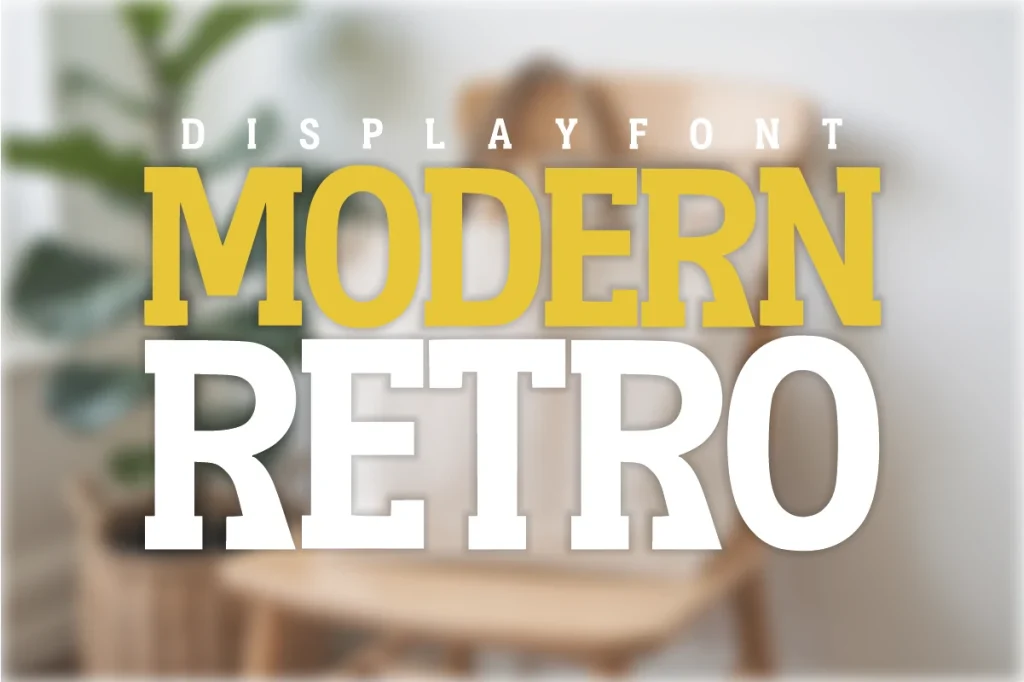
Modern Retro
Modern Retro has an upright, emphatic silhouette. The main specimen uses large stacked words, a useful direction when the invitation needs to read like a small event poster rather than a handwritten note.
Make the event name the largest element and leave a separate block for the practical information. A single accent colour can do the decorating. This is the option we would explore for a bolder venue party or a straightforward digital invitation shared in a group chat.
- Use it for
- Poster-style invitations, a party entrance sign and bold digital announcements.
- Keep in mind
- A long venue name may need a wider line. Split the wording deliberately instead of compressing the letters to force everything into one row.

04 / Give the theme a voice
Groovy Retro
For a disco-inspired countdown, Groovy Retro gives the invitation an obvious visual theme. The rounded letters and sweeping terminals work with warm oranges, cream and brown; the designer’s cover shows how much personality the lettering can carry on its own.
Keep the main phrase short, such as “Midnight disco”, and give it a generous centre position. Put the dress code and music details in a plain font. If the invitation already has a busy photograph, use a quiet panel behind the headline.
- Use it for
- Disco nights, themed house parties and short celebratory headlines.
- Keep in mind
- The dimensional look uses the font’s companion style and layout choices. One typed line will not automatically reproduce every colour and layer in the cover art.
05 / Two voices, one invitation
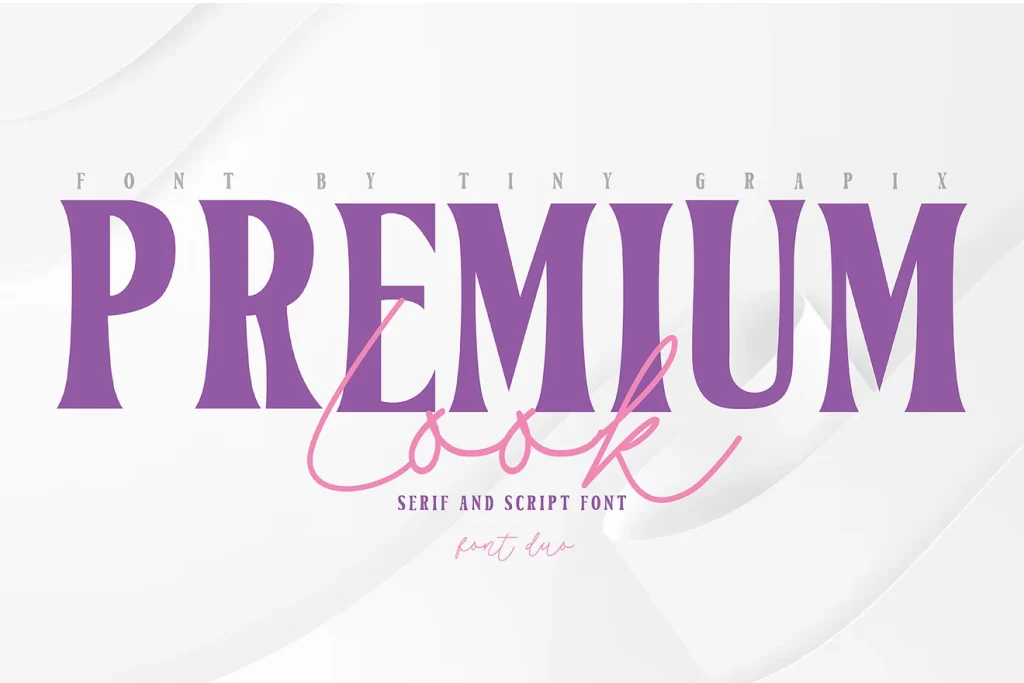
Premium Look Duo
Premium Look gives you a strong serif headline and a lighter script accent in one product. The contrast is useful for an invitation that needs a dressed-up heading with a small personal touch beneath it.
Let the serif carry “A toast to the new year”, then use the script for a brief “join us”. Give the date, start time and location their own calm space. Two decorative styles are enough; adding a third display font is unlikely to make the invitation clearer.
- Use it for
- Elegant gatherings, a coordinated drinks menu and invitations with a short handwritten accent.
- Keep in mind
- Keep the script large enough to read. Pale, very thin accents can disappear against a photograph or after the invitation is reduced on a phone.
Make the choice useful
An invitation guests can actually use.
Before downloading: check the year on Creative Fabrica.
Use a “See” button above to open the chosen font’s Creative Fabrica page. In its “Try this font” section, enter the full year, date or headline where a text preview is available. Check the digits and punctuation in that preview. If the listing does not offer text input, inspect its specimen and glyph chart.
Read the invitation on a phone.
After downloading and installing the font, build the invitation in your design application. For a digital card, open the exported image at normal viewing size. Can a guest find the date, arrival time and full address without zooming? For a printed card, make one proof at the final size.
Choose the actual download offer.
Open the product listing to inspect the available styles, characters and current offer. A subscription trial and an individual purchase are different choices. Confirm which one you are selecting before downloading.
The images are the designers’ original product previews. Project and styling suggestions are our editorial ideas. Check the original listing for the available characters, current offer and license.
Back to the shortlist