Affiliate links: Type & Paper may earn a commission if you buy through these Creative Fabrica links. Product previews are credited to their designers.

The candle label edit
Make the scent name
worth picking up.
A candle label has to introduce the scent, suggest a mood and still make sense around a curved jar. The font that looks lovely across a wide mood board may feel cramped on a small amber vessel. Start with the front-facing area you can actually see, rather than the full width of the sticker.
These four directions suit different kinds of candle brand: clear and graphic, fine and editorial, nostalgic and textured, or quietly practical. The pictures are the designers’ original product previews. Our label suggestions describe ways to use the lettering; they are not finished label templates included with the fonts.
Compare the four directionsChoose by your project
What should your candle feel like?
01 / A strong front label
Candle
Candle makes a direct first impression: broad capitals, clean edges and a substantial silhouette. The designer’s dark cover shows how much presence a short word can have without an ornate border or a second display font. This is a useful direction for scent names such as Cedar or Ember when the jar needs one obvious focal point.
Try the brand name on a quieter line and let the scent carry the weight. A long name such as Cedarwood & Amber will need a different arrangement from a five-letter word: two balanced lines may work better than squeezing every character onto one. Keep the supporting description plain so it does not compete with those capitals.
- Use it for
- Short scent names, bold monochrome labels and strong box fronts.
- Keep in mind
- The cover presents an all-caps direction. Inspect the listing’s character set before relying on lowercase or particular symbols.

02 / A lighter luxury direction
Serifa
Serifa offers a much finer rhythm, with strong thick-to-thin contrast and elegant serif details. Consider it for a restrained wordmark on a pale label, especially when the packaging already supplies texture through paper, glass or an embossed box. A short line with generous space around it lets that contrast become the visual feature.
The delicate strokes need an honest size check. A beautifully crisp screen preview does not show how your printer and label stock will reproduce a hairline. After downloading and installing the font, print a full-size sample on the intended stock before committing to a batch. Reserve a sturdier supporting face for the small descriptive lines.
- Use it for
- Editorial brand names, spacious cream labels and gift-box headings.
- Keep in mind
- Fine strokes may weaken at small sizes or on textured stock; avoid assuming a large specimen proves print performance.
03 / An outdoorsy label
Caturra Vintage
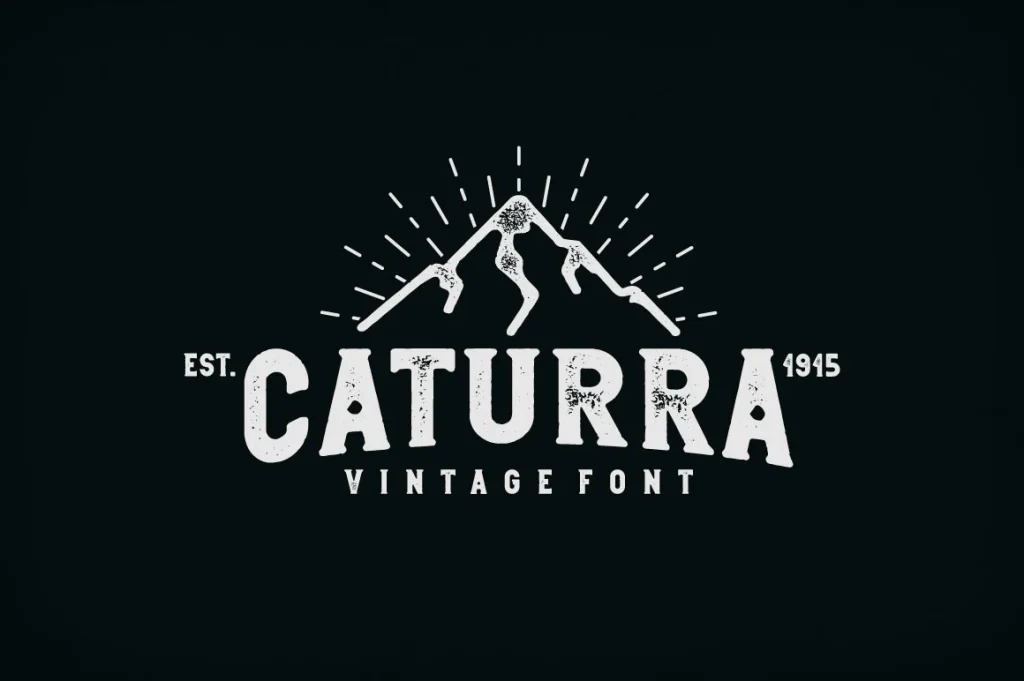
Caturra Vintage moves the mood towards a workshop, mountain cabin or old general store. The cover combines a chunky serif with worn texture and a compact badge arrangement. That gives you a useful starting direction for woodsy scents and a brand that wants to feel established rather than immaculate.
Treat the illustration, arched setting and badge construction as the designer’s composition, not an automatic result of typing a name. The listing offers different serif and sans treatments, including textured styles; compare the actual alphabets to choose the right one. A cleaner treatment can preserve the same broad character when the label is too small to carry much distressing.
- Use it for
- Rustic scent ranges, cabin-inspired gifts and compact badge labels.
- Keep in mind
- Distressed details add visual noise. Keep scent information and small numbers outside the busiest display treatment.
04 / Let the range feel consistent
Montilla
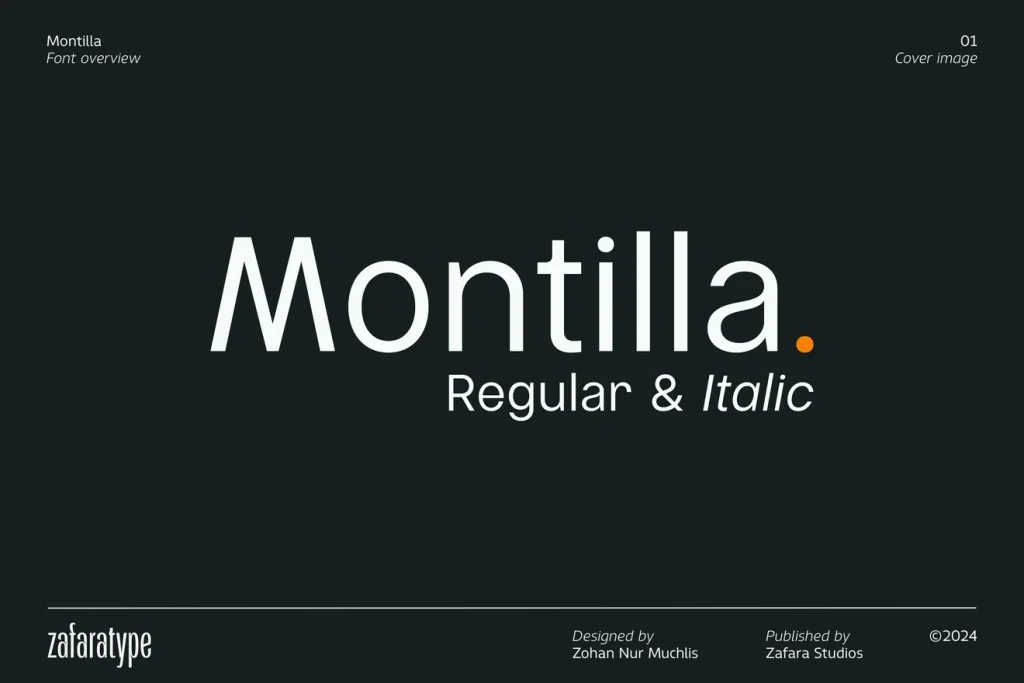
Montilla is the quieter choice when the label needs to carry several pieces of information. Its straightforward sans direction leaves room for the scent name, a short description and the brand without making every line decorative. It can also support a more expressive wordmark elsewhere in the packaging.
For a collection of scents, build one repeatable label arrangement in your design app after installing the font. Test the shortest and longest names together, keeping the same margins and hierarchy. Use the italic selectively for a small secondary phrase if it stays clear; changing colour or spacing may be enough to distinguish the rest of the information.
- Use it for
- Coordinated scent collections, supporting copy and minimal jar labels.
- Keep in mind
- A neutral font still needs deliberate spacing and sizing. Check the complete label rather than judging the brand name in isolation.
Make the choice useful
Check it on the jar, not just the screen.
Before downloading: compare your real scent names.
Open the linked Creative Fabrica product page. Where a “Try this font” field is available, enter your longest scent name as well as your shortest. Inspect the ampersand, numbers and any accented letters you need in the listing’s specimens or glyph view. A preview is useful for comparing letter shapes; it does not reproduce your finished label.
After installing: wrap a paper proof around the vessel.
Build the label at its intended dimensions in your design app, print it and place it on the jar. Check the front view and a slight angle. Move information that disappears around the curve, and judge the contrast against the actual glass and wax rather than a white artboard.
Give practical information its own space.
Separate the visual brand treatment from the candle’s instructions and other required product information. A decorative font choice does not determine what those details should say. Keep the supporting text clear and allow enough room for the information your particular product needs before finalising the label size.
The images are the designers’ original product previews. Project and styling suggestions are our editorial ideas. Check the original listing for the available characters, current offer and license.
Back to the shortlist